



Your small team is drowning in scattered work. Tasks live in Slack threads, deadlines hide in email, and someone always asks “wait, who’s doing that?” the day before it’s due. You do not have a people problem; you have a system problem, and the right project management tool fixes it fast.
The trouble is the sheer number of options, most reviewed for big companies with budgets you do not have. This guide is different. It ranks the best project management software for small teams in 2026 by what actually matters when you are five or fifteen people: a genuinely usable free plan, a gentle learning curve, and enough power to grow into. Here is what to use and exactly who each tool is for.
What Small Teams Actually Need in a PM Tool
Big-company reviews obsess over features your team will never touch. What a small team really needs is simpler: a clear place to see who is doing what and when, so nothing slips. If a tool takes a week of training to use, it is the wrong tool.
Look for three things: a free or cheap plan that is actually workable, not a crippled demo; a low learning curve your team will adopt without a fight; and flexible views (list, board, calendar) so different brains can work how they think. Everything below is judged on exactly that.
The Best Project Management Software for Small Teams in 2026
Top Pick for Value: TaskSession
If your team is tired of paying per-seat fees for five different apps, TaskSession is worth a serious look. It is an all-in-one, self-hosted platform that rolls projects, kanban boards, tasks, time tracking, invoicing, a client portal, team chat, and a built-in CRM into a single system, so it can replace the likes of Asana, Slack, and a separate CRM at once.
What sets it apart for small teams is the pricing model: one flat yearly fee with unlimited users, rather than the per-user billing that makes most tools expensive as you grow. Because you host it on your own server, you fully own your data and can even white-label it as your own. The trade-off is that self-hosting means a quick install on your own hosting (a three-step, WordPress-style setup), so it suits teams comfortable running their own tools who want to cut recurring software costs. If replacing several subscriptions with one owned platform appeals to you, start here, then compare it against the hosted options below.
1. Asana — Best Overall for Small Teams

Asana hits the sweet spot of powerful and approachable, which is why it is the default recommendation for most small teams. The free plan supports up to 10 users with unlimited tasks and projects, and gives you List, Board, Calendar, and Timeline views so everyone works the way they prefer.
It integrates cleanly with Slack, Google Drive, and Microsoft Teams, so it slots into tools you already use. Best for a cross-functional team of up to 10 coordinating between design, dev, and marketing without a heavy setup.
2. ClickUp — Best All-in-One and Best Free Plan
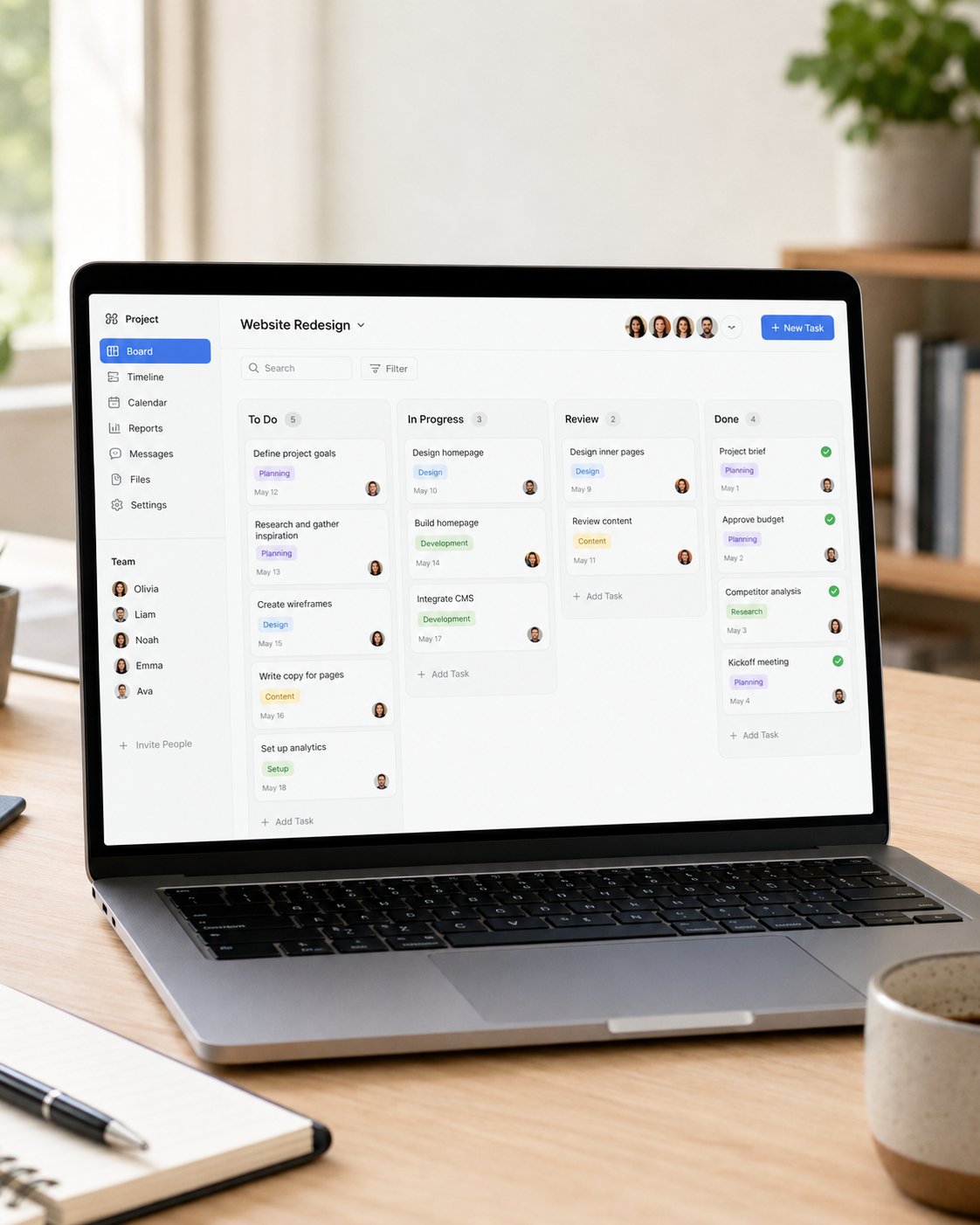
ClickUp tries to be everything: tasks, docs, goals, whiteboards, and automation in one workspace. Its standout is a famously generous free plan with unlimited members, which is rare and ideal for a growing team that does not want to pay per seat yet.
You get workflow automation, Gantt charts, and resource views even on lower tiers. The trade-off is that all that power means more to learn, so it is best for teams willing to invest a little setup time in exchange for one tool that replaces several.
3. Trello — Best for Simplicity and Visual Workflows
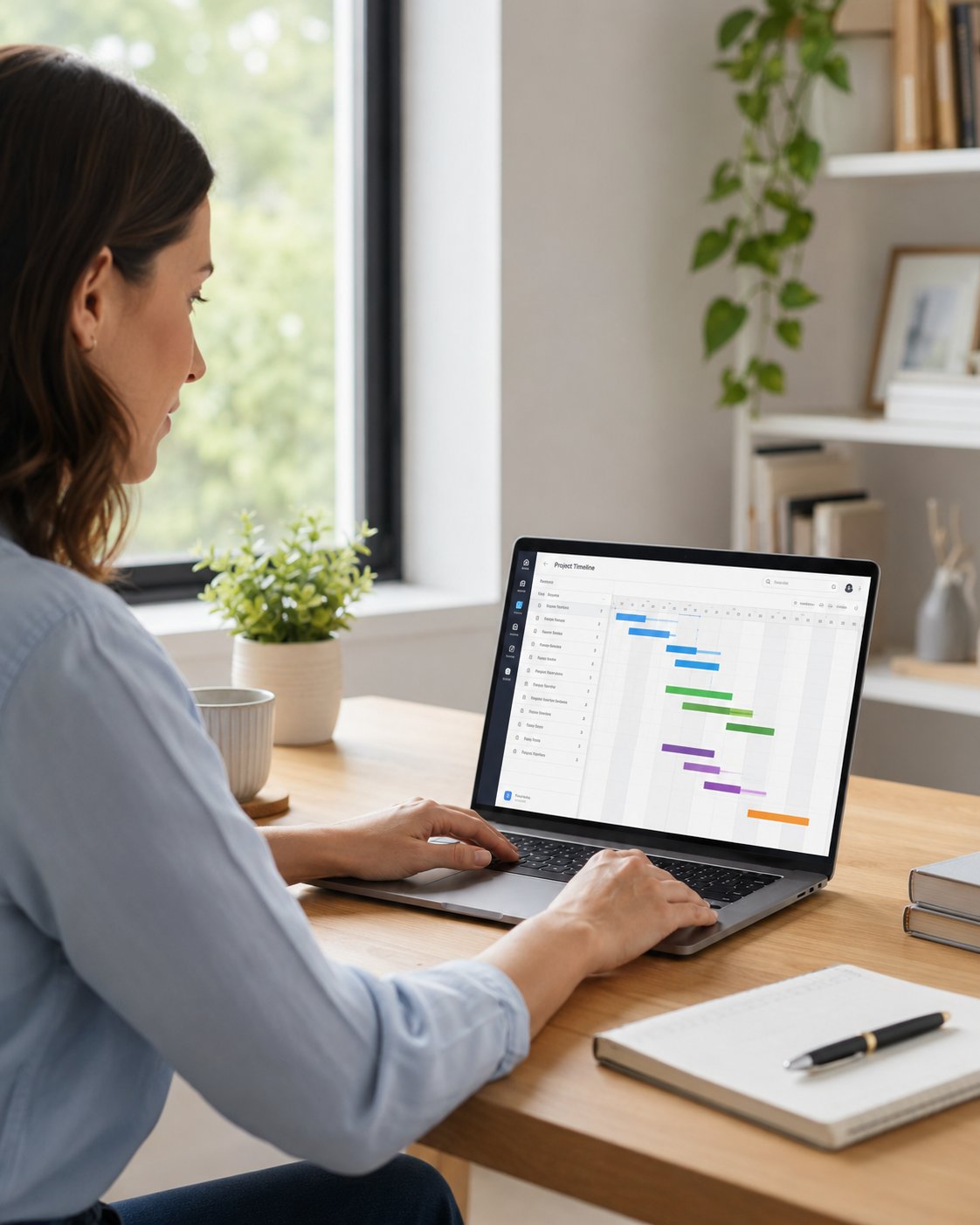
Trello is the easiest tool here to pick up: drag cards across a Kanban board and you are running in five minutes. The free tier includes 10 boards, unlimited cards, and Butler automation with 50 runs a month to handle repetitive steps for you.
It is best for visual thinkers and small marketing or content teams managing a single, clear workflow. If your projects are complex and multi-layered, you may outgrow it, but for straightforward pipelines nothing is faster to adopt.
4. Monday.com — Best for Customization
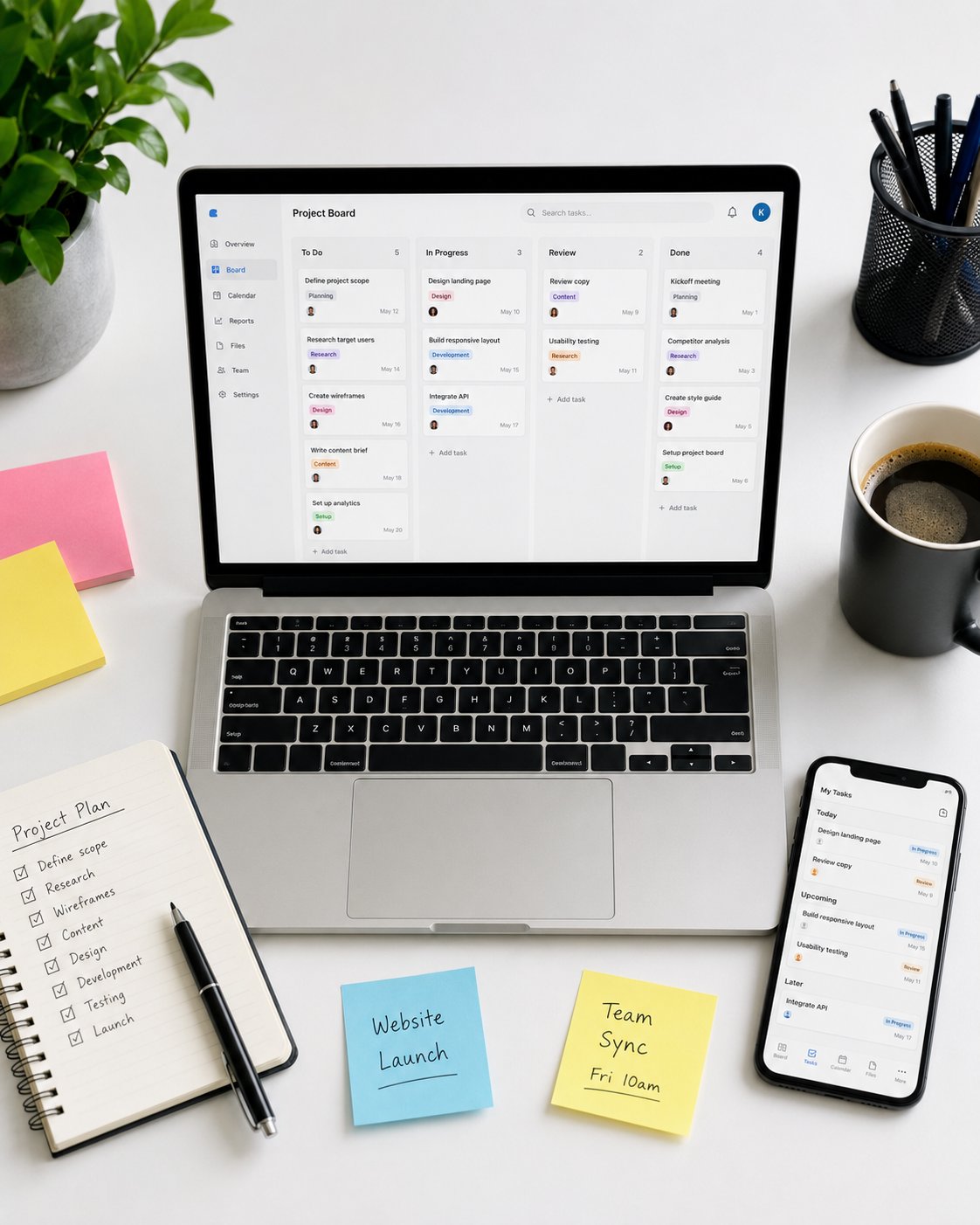
Monday.com is the most visually customizable option, built around colorful, flexible boards you can shape to almost any process. The free plan gives you unlimited boards, hundreds of templates, more than 20 column types, and mobile apps.
It is best for teams that want to design their own workflow rather than fit into someone else’s, and for anyone who works better with a bright, visual interface. The free tier caps seats, so check the limits before you commit.
5. Notion — Best for Docs and Projects Together
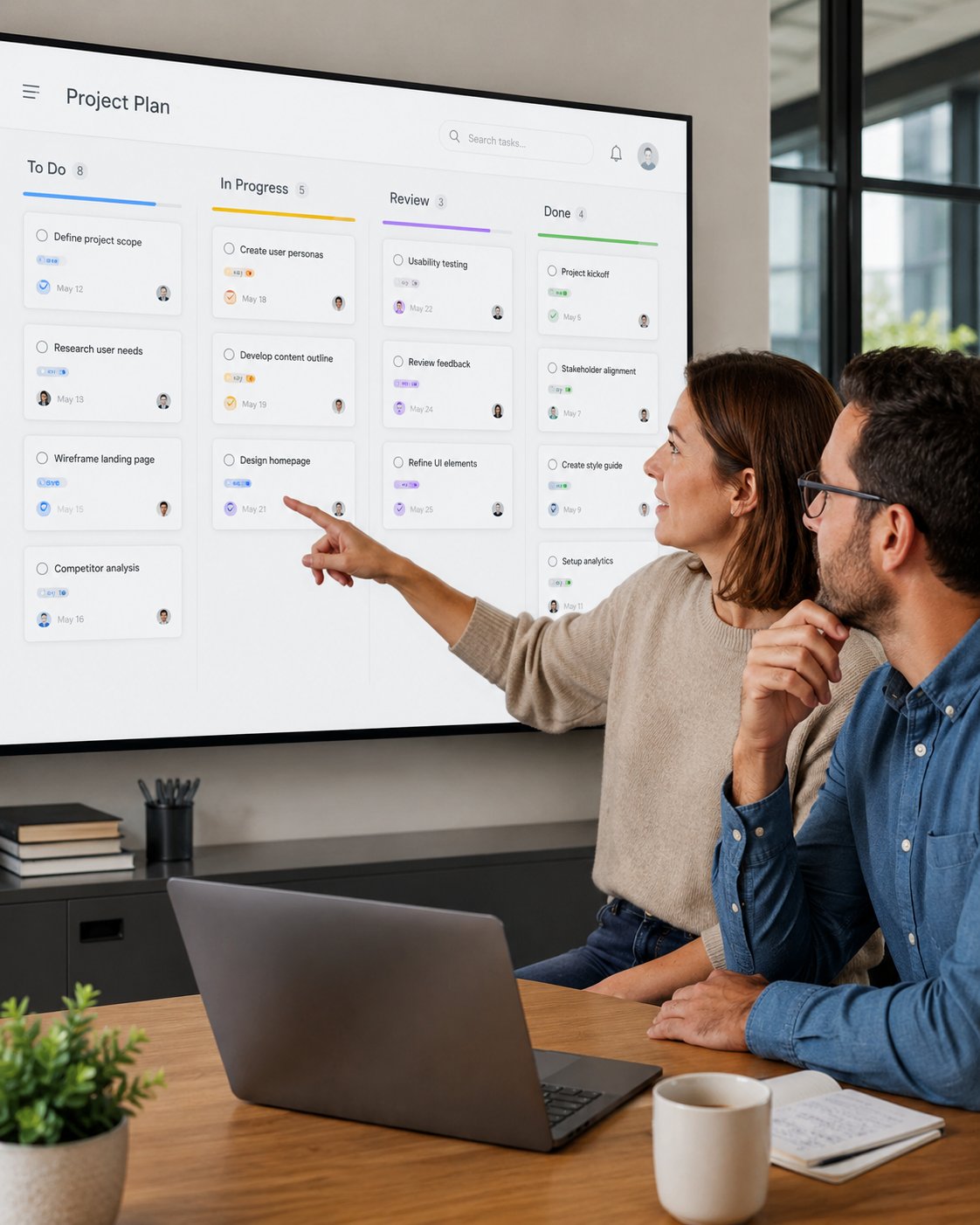
Notion is the pick for teams that treat documents and projects as one connected workspace. Your wiki, notes, and task boards live side by side, so context never gets lost in a separate app.
It is best for content, research, and knowledge-heavy teams that live in documents. It is less suited to complex project scheduling with dependencies, but for combining a knowledge base with lightweight task tracking, it is unmatched.
6. Freedcamp — Best for Tight Budgets

Freedcamp is the budget hero: one of the few tools that does not cap the number of projects or users on its free plan. For a small team with zero software budget, that alone makes it worth a look.
The interface is less polished than the bigger names, but you get task lists, boards, milestones, and file sharing without paying a cent. Best for bootstrapped teams that need real functionality and cannot justify a subscription yet.
Free vs Paid: When to Upgrade
Most small teams can run happily on a free plan for a surprisingly long time. Start free, and only pay when you hit a real wall, not because a feature looks nice. The usual triggers are outgrowing a user cap, needing advanced automation or reporting, or wanting time tracking and dependencies for more complex projects.
When you do upgrade, count the true cost: most tools charge per user per month, so a team of ten adds up quickly. If money and structure are on your mind as you grow, it is worth getting the business basics right too, and our guide to the best business bank accounts for freelancers and LLCs pairs well with tightening up your operations.
How to Choose the Right One for Your Team
Do not choose by feature list; choose by how your team actually works. If you want the safest all-rounder, pick Asana. If you want one tool to replace five and do not mind a learning curve, pick ClickUp. If simplicity is everything, pick Trello.
If you want to design a custom, visual workflow, pick Monday.com. If your team lives in documents, pick Notion. And if budget is the hard constraint, pick Freedcamp. When in doubt, shortlist two, run a real project in each for a week, and let your team’s actual usage decide.
Rolling It Out Without the Team Revolting
The best tool fails if nobody uses it, and the fastest way to kill adoption is to dump a new system on people with no plan. Start small: move one real project in, not everything at once, and let the team feel the win before you migrate the rest.
Set a few simple rules everyone agrees on, like where tasks live and what “done” means, so the tool creates clarity instead of a second inbox. Appoint one person to own setup and answer questions in the first two weeks. Pair the new system with a focused way of working, and our guide to the time-blocking system busy founders swear by helps the whole team protect time for the work the board is tracking.
Mistakes to Avoid
Do not over-engineer your setup with statuses, custom fields, and automations nobody asked for; complexity kills adoption. Do not pay for power you will not use, when a free plan would cover you for months. Do not force a visual-thinking team into a rigid list tool, or vice versa. And do not keep switching tools every quarter, since the disruption of migrating usually costs more than the imperfect tool you already have.
Honorable Mentions Worth Knowing
The big six above suit most small teams, but a few specialists are worth knowing if your situation is specific.
Basecamp is loved by teams that want calm, opinionated simplicity with a flat price instead of per-seat billing, which gets cheaper as you grow. Jira is the standard for software development teams that need sprints, backlogs, and issue tracking, though it is overkill for non-technical work. And Trello power users who outgrow boards often graduate to Asana or ClickUp rather than a whole new category. Match the tool to the shape of your work, and do not adopt a developer-grade system for a marketing team just because it is powerful.
A Quick Side-by-Side Recap
If you only remember one line per tool, make it this. Asana is the safe all-rounder for a team up to ten. ClickUp is the power pick with the most generous free plan. Trello is the fastest to learn for a simple visual workflow. Monday.com is the most customizable and colorful. Notion is unbeatable when docs and tasks belong together. And Freedcamp is the choice when the budget is genuinely zero.
None of these is objectively “the best”; the best one is the one your specific team will open every day. A perfect tool nobody uses loses to a decent tool everybody lives in, every single time.
Making It Stick Past the First Month
Most tools are abandoned not because they are bad but because the team drifts back to old habits. Prevent that with a few small commitments. Hold a short weekly review where everyone looks at the board together, so the tool becomes part of the rhythm rather than an afterthought.
Make the board the single source of truth: if a task is not on it, it does not exist, and gently redirect requests that arrive by chat or email back into the system. Keep your setup as simple as it can be while still useful, and resist the urge to add complexity until the team asks for it. Do this for one month and the tool stops being something you have to remember and becomes just how your team works.
The Bottom Line
You do not need the most powerful project management software; you need the one your team will actually use. For most small teams, Asana is the safest starting point, ClickUp wins if you want everything in one place, and Trello is the fastest way to get organized today. Start on a free plan, move one real project in, keep the setup simple, and only upgrade when a genuine limit forces your hand. Get that right and the daily “who’s doing what?” scramble disappears, replaced by a single clear board everyone trusts. That clarity, not any single feature, is what turns a busy small team into a calm, reliable one, and it is well within reach on a budget of zero.
Do Not Forget Integrations
One easy-to-miss factor can make or break your choice: how well the tool connects to what you already use. Before you commit, check that it plugs into your calendar, your file storage, and your chat app, whether that is Slack, Google Workspace, or Microsoft Teams. A board that syncs with the rest of your stack feels effortless; one that stands alone becomes yet another place to check. When two tools are otherwise tied, let integrations be the tiebreaker.
Frequently Asked Questions
What is the best free project management software for a small team?
Asana is the best all-round free option (up to 10 users with multiple views), while ClickUp and Freedcamp are strongest if you need unlimited free users. The best choice depends on whether you value simplicity, power, or budget most.
Which tool is easiest to learn?
Trello is the easiest by far. Its drag-and-drop Kanban boards take about five minutes to understand, which makes it ideal for teams that want to start managing work today without any training.
Do we really need project management software?
If work regularly slips through the cracks, deadlines surprise you, or people are unsure who owns what, then yes. Even a simple board dramatically reduces dropped tasks and the “who’s doing this?” confusion that email and chat create.
How much should a small team expect to pay?
Many small teams pay nothing by staying on a free plan. Paid plans typically run from a few dollars to around fifteen dollars per user per month, so budget based on your team size and only upgrade when a free plan genuinely limits you.
Can one tool handle docs, tasks, and chat?
ClickUp and Notion come closest to all-in-one. ClickUp leans toward tasks and automation, Notion toward docs and knowledge. Neither fully replaces a dedicated chat app, so most teams still pair them with something like Slack.
You might also like: The Time-Blocking System Busy Founders Swear By · LLC vs S-Corp: Which Is Right for Your Small Business? · Best Business Bank Accounts for Freelancers and LLCs
Related Post