



Every payment processor takes a cut. The question is not whether you will pay fees — it is which fee structure fits how your money actually comes in.
Pick wrong and you will overpay by a percentage point that quietly eats thousands a year. Pick right and the difference is basically noise.
Three names handle most small business payments: Stripe, Square, and PayPal. They look similar and price similarly, but they are built for genuinely different businesses. Here is how to tell which one is yours.
How Processing Fees Actually Work

A quick foundation, because the fee everyone quotes is not the whole story.
Most processors charge a percentage plus a flat per-transaction fee — something like 2.9% + 30 cents. The percentage is what people focus on, but for small payments the flat fee dominates.
On a $5 sale, that 30 cents is 6% on its own. On a $500 sale, it is a rounding error. So your average transaction size changes which processor is actually cheapest for you — a fact the marketing never mentions.
Two more things shape your real cost. In-person versus online rates differ, usually in favour of in-person. And chargebacks — disputed transactions — carry fees and hassle that vary a lot between providers.
Square: Best for In-Person and Simplicity
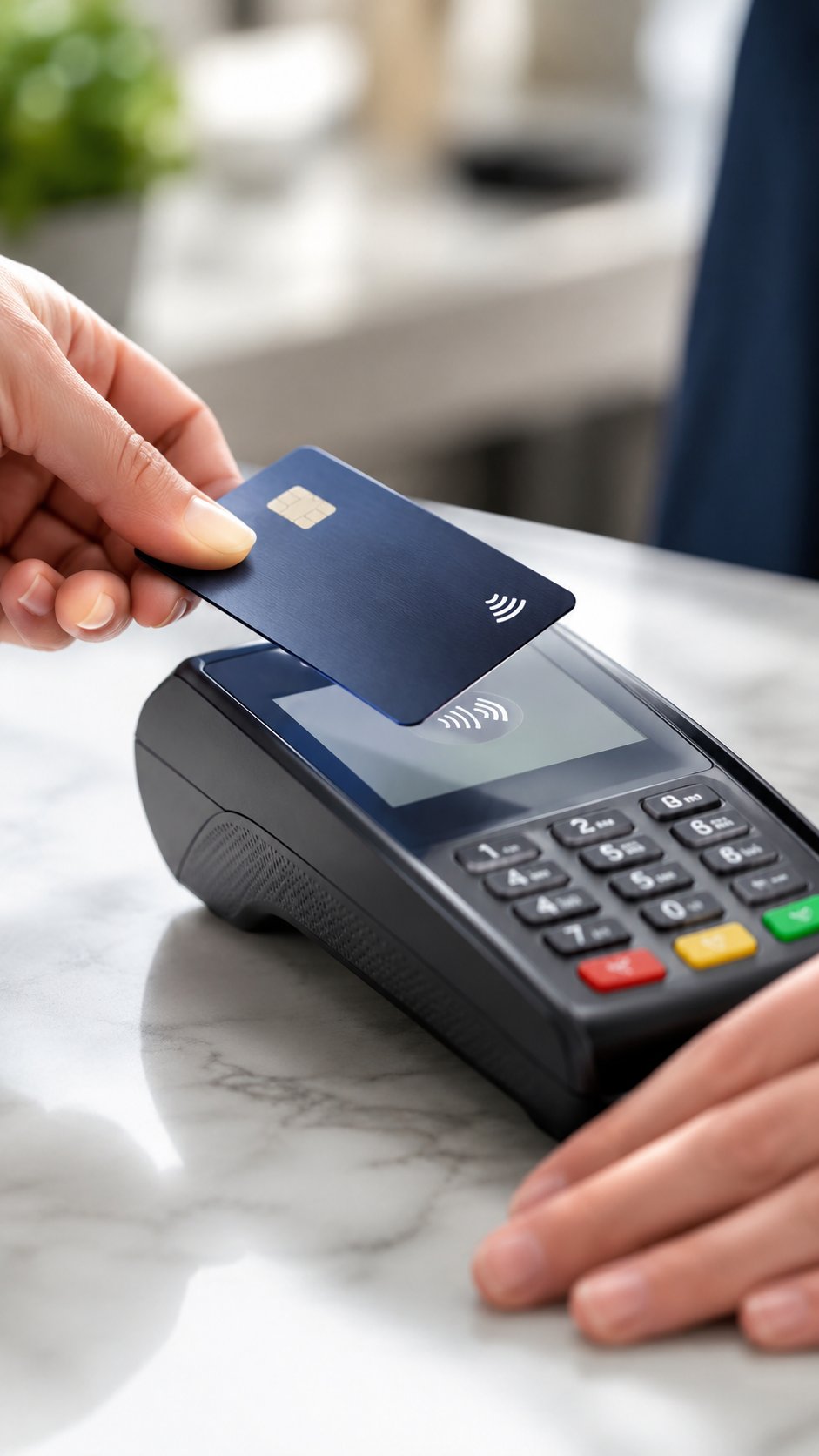
If someone asked me to recommend one processor for a typical small business without knowing anything else, it would be Square.
There is no monthly fee and it includes free point-of-sale software. In-person rates run around 2.6% + 10 cents; online and invoicing rates are a bit higher.
What makes it the default is the whole ecosystem. Card reader, POS, invoicing, online store, appointment booking — it all connects, and it is genuinely easy to set up without technical help.
Best for: retail, food, salons, markets, anyone taking payments face to face, and anyone who wants to start accepting cards this afternoon without reading documentation.
Watch out for: Square has a reputation for holding funds on flagged accounts, which stings if it happens. Keep a cash buffer and do not rely on instant payout for payroll.
Stripe: Best for Online and Recurring Billing

Stripe is the clear winner for online-first businesses, and it is what most software companies quietly run on.
Online rates are around 2.9% + 30 cents. The pricing is unremarkable; the platform is the point.
Where Stripe pulls ahead is subscriptions and developer control. If you sell recurring plans, handle complex billing, or need payments wired deep into your own site or app, nothing else comes close for flexibility.
Best for: SaaS, subscription businesses, online stores, marketplaces, and anyone with even light technical resources.
Watch out for: the power comes with complexity. If you just want a button that takes a payment and you have no developer, Stripe can feel like more tool than you need — though its no-code payment links have closed much of that gap.
PayPal: Best for Trust and Reach
PayPal’s real advantage is not price. It is that customers already have accounts and already trust the checkout.
Standard rates run higher, roughly 2.9% to 3.49% plus a fixed fee depending on the product. Its Advanced and Pro plans drop to around 2.59% + 49 cents, closer to the others, but those carry a monthly fee of $25–30.
So on standard pricing PayPal is usually the most expensive of the three. What you buy for that is conversion — some customers will complete a PayPal checkout who would abandon a card form, especially internationally.
Best for: businesses selling to consumers who value the familiar checkout, international sellers, and anyone who wants to offer it alongside card payments rather than instead of them.
Watch out for: the same fund-hold reputation as Square, and standard fees that add up if PayPal is your only method.
The Honest Verdict
For most small businesses the all-in cost across the three is closer than the marketing suggests, with PayPal slightly pricier on standard plans. So the decision is not “which is cheapest” — it is “which fits my transaction profile.”
- Sell in person? Square.
- Sell online or run subscriptions? Stripe.
- Want the trusted consumer checkout? Add PayPal as an option.
And that last point is the one people miss: these are not mutually exclusive. Plenty of businesses run Square or Stripe as their main processor and offer PayPal as a second button at checkout. You are allowed to use more than one.
Beyond the Big Three
Worth a mention, because sometimes the right answer is not on the main list.
Your existing tools may already do it. If you use accounting or invoicing software, it very likely has payments built in, which keeps everything in one place. Our roundup of business software touches on where these overlap.
Your bank might offer merchant services. Sometimes competitive, sometimes not — worth a five-minute comparison rather than assuming.
Industry-specific processors exist for high-risk or specialised fields and can beat the generalists on rate and features if you fit the niche.
For the large majority of small businesses, though, Square or Stripe with an optional PayPal button covers it comfortably.
What to Check Before You Commit
Before you sign up for anything, run through this.
Your real average transaction size. Small tickets favour a low flat fee; large tickets favour a low percentage. This alone can flip which is cheapest.
Payout speed. Standard is a couple of business days. If you need faster, check what instant payout costs — it is rarely free.
Chargeback handling. Look at the dispute fee and how the process works before you have an angry customer, not after.
Integration. Make sure it connects to the tools you already use — your store, your invoicing, your books. A processor that does not sync creates manual work every month.
The full fee schedule. Read past the headline rate for currency conversion, refund, and monthly fees. That is where the real cost hides.
Getting Paid Faster and Keeping More
Once you have chosen a processor, a few habits quietly improve your cash flow and shrink your fees.
Invoice promptly and clearly. The faster an invoice goes out, the faster it gets paid. Include a due date and an easy payment link — friction is the main reason invoices sit unpaid.
Turn on automatic reminders. Most processors and invoicing tools can chase overdue invoices for you, which recovers money without an awkward email from you.
Prefer ACH or bank transfer for large invoices. Card fees are a percentage, so on a $10,000 invoice a 2.9% card fee is $290. A flat-fee bank transfer for the same payment might cost a few dollars. For big amounts, steer clients to bank payment.
Reconcile monthly. Match your payouts to your sales so fees, refunds, and any holds are caught early rather than discovered at tax time.
None of this is dramatic, but on a year’s worth of transactions the difference between casual and deliberate handling is real money.
Staying Secure and Compliant
Taking card payments means handling sensitive data, and there are rules — but the good news is the big processors carry most of the burden for you.
The relevant standard is PCI DSS, the payment card industry’s security framework. When you use Stripe, Square, or PayPal and let them handle the card details, you inherit most of their compliance rather than building your own. That is a genuine reason to use an established processor rather than a fringe one.
A few sensible practices on your side. Never store card numbers yourself — let the processor hold them. Keep your account login secure with a strong password and two-factor authentication, since a compromised payments account is a direct line to your money. And be alert to the fact that fraudsters target small businesses through fake customer disputes and phishing emails dressed up as your processor.
The FTC’s guidance on protecting customer data is a practical, free starting point if you want to get the basics right.
For most small businesses this is not a heavy lift. Use a reputable processor, secure your account, do not store what you do not need to, and you have covered the large majority of the risk.
A Worked Example: Which Is Cheapest for You

Because averages hide the real answer, here is how the same month looks under different processors depending on your business.
A coffee shop doing 1,000 in-person sales averaging $6 each. That is 1,000 flat fees, so the per-transaction charge dominates. Square’s low in-person rate and 10-cent fee make it clearly cheapest here — a higher flat fee would cost hundreds a month on volume like this.
A consultant sending ten invoices a month averaging $2,000 each. Now the flat fee is irrelevant and the percentage is everything. The cheapest move is not a card at all — it is steering clients to bank transfer, where a flat fee beats 2.9% by a wide margin.
A subscription app billing 500 customers $20 a month automatically. This is Stripe territory — the recurring billing, failed-payment retries, and automatic card updates are worth far more than a fractional rate difference.
Same three processors, three different winners. Nobody’s “cheapest” ranking survives contact with an actual business, which is exactly why you calculate against your own numbers instead of trusting a headline.
Run one real month of your sales through each processor’s published rates. Twenty minutes of arithmetic settles a decision you will live with for years.
The Fees That Hide in the Fine Print
The headline rate is the fee they advertise. These are the ones that show up later.
Currency conversion. Take an international payment and most processors add a conversion margin on top of the base rate, often around 1–2%. Easy to miss until you sell abroad.
Chargeback fees. A disputed transaction usually costs a fixed fee, whether or not you win the dispute. Frequent chargebacks can also flag your account for review.
Instant payout fees. Standard payouts are free but take a day or two. Want the money now and there is usually a percentage charge.
Monthly and gateway fees. The bundled processors mostly avoid these, but PayPal’s advanced plans and traditional merchant accounts often carry a fixed monthly cost that only pays off at volume.
None of these are dealbreakers on their own. They just mean the true cost of a processor is the headline rate plus whichever of these applies to how you actually operate — which is worth totting up before you commit rather than discovering on a statement.
Frequently Asked Questions
Can I pass the processing fee to customers?
Surcharging is legal in most US states but regulated, with caps and disclosure requirements, and banned in a few. Many businesses instead build the cost into their prices, which is simpler and avoids annoying customers at checkout. Check your state’s rules before adding a visible surcharge.
Are the fees tax deductible?
Yes. Payment processing fees are a normal, fully deductible business expense. They are easy to miss because they come out automatically before the money reaches you, so make sure your bookkeeping captures them. Our tax deductions checklist covers this.
Why did a processor hold my funds?
Processors hold funds when something looks unusual — a sudden spike in volume, a large first transaction, or a spate of disputes. It is a risk-management measure, not a punishment, but it can be genuinely disruptive. Keep a cash buffer and avoid relying on any single instant payout to meet a fixed obligation like payroll.
Do I need a merchant account?
Not with Stripe, Square, or PayPal — they bundle the merchant account into their service, which is why setup is fast. Traditional merchant accounts through a bank can offer lower rates at high volume but involve more paperwork and underwriting. For most small businesses, the bundled option is simpler and fine.
Which is best for international customers?
Stripe has strong international support and multi-currency handling, and PayPal has the widest consumer recognition abroad. Watch currency conversion fees with any provider, since they add a percentage on top of the base rate that is easy to overlook.
The Bottom Line

Stop comparing headline rates — they are nearly identical. Compare fit.
Face-to-face sales point to Square. Online and subscription businesses point to Stripe. PayPal earns its place as a second checkout option that lifts conversion, not usually as your only method.
Work out your average transaction size, pick the processor built for how you actually sell, and add a PayPal button if your customers expect it.
Then stop thinking about it and get back to the work that earns the money in the first place.
Related Post